Simulation, Tuning, Visualization, and MIDI
R2026bAudio Toolbox™ enables real-time prototyping and tuning using MIDI devices and the Audio Test Bench. Modularize your algorithm as an audio plugin for code reuse and to access prototyping and testing tools. See Audio Plugins in MATLAB for more information.
Use the configureMIDI user interface to quickly
synchronize an audio plugin with a MIDI device. Follow the Develop, Analyze, and Debug Plugins in Audio Test Bench example to learn about the all-in-one
graphical debugging and testing suite.
Apps
| Audio Test Bench | Debug, test, and tune audio plugins |
| Audio Viewer | View and play audio signals (Since R2024a) |
Functions
Blocks
 | MIDI Controls | Output values from controls on MIDI control surface |
 | Spectrum Analyzer | Display frequency spectrum |
 | Time Scope | Display and analyze signals generated during simulation and log signal data to MATLAB |
 | Array Plot | Display vectors or arrays |
Topics
- Develop, Analyze, and Debug Plugins in Audio Test Bench
Debug, visualize, and configure I/O for audio plugins by using the Audio Test Bench.
- Real-Time Parameter Tuning
Create a user interface to tune parameters in an audio stream loop.
- Measure Performance of Streaming Real-Time Audio Algorithms
This example presents a utility that can be used to analyze the timing performance of signal processing algorithms designed for real-time streaming applications.
- Desktop Real-Time Audio Acceleration with MATLAB Coder
Accelerate a real-time audio application using C code generation with MATLAB® Coder™.
- What Are DAWs, Audio Plugins, and MIDI Controllers?
Learn about the role of digital audio workstations (DAWs), audio plugins, and Musical Instrument Digital Interface (MIDI) controllers in designing audio processing algorithms.
- MIDI Control for Audio Plugins
Use MIDI functions to efficiently tune audio plugin parameters in MATLAB.
- MIDI Device Interface
Interact with MIDI devices by sending and receiving MIDI messages.
- MIDI Control Surface Interface
Understand the MIDI protocol and use MIDI functions for real-time parameter tuning.
- Design and Play a MIDI Synthesizer
Interpret MIDI note messages to create audio waveforms in real time.
Featured Examples
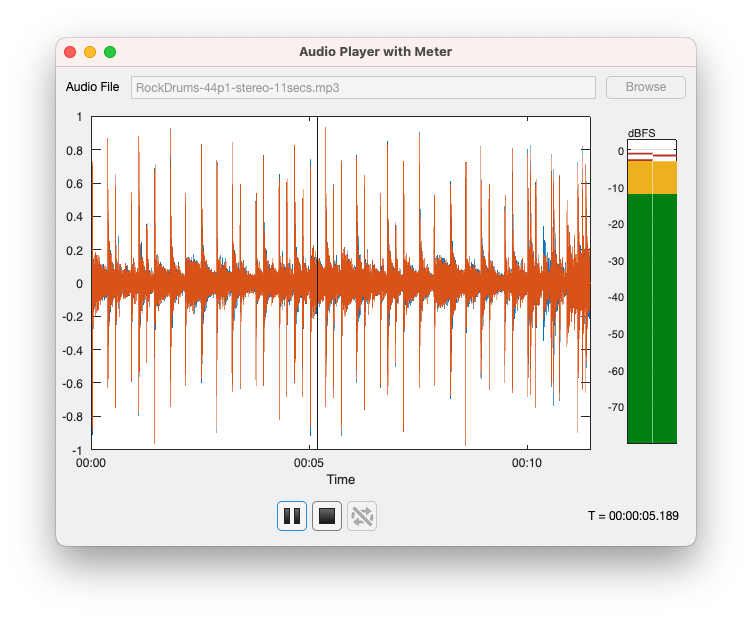
Create an App to Play and Visualize Audio Files
Create an app in App Designer to play and visualize audio files.
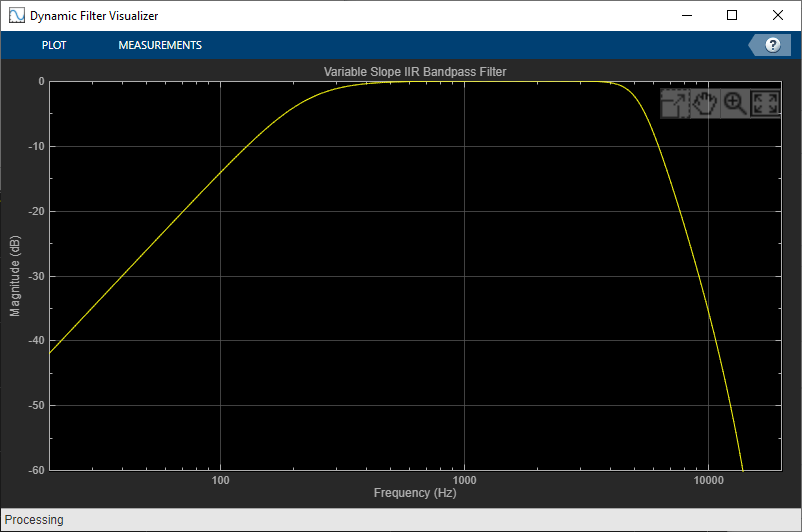
Tunable Filtering and Visualization Using Audio Plugins
Visualize the magnitude response of a tunable filter. The filters in this example are implemented as audio plugins. This example uses the visualize and audioTestBench functionality of the Audio Toolbox™.
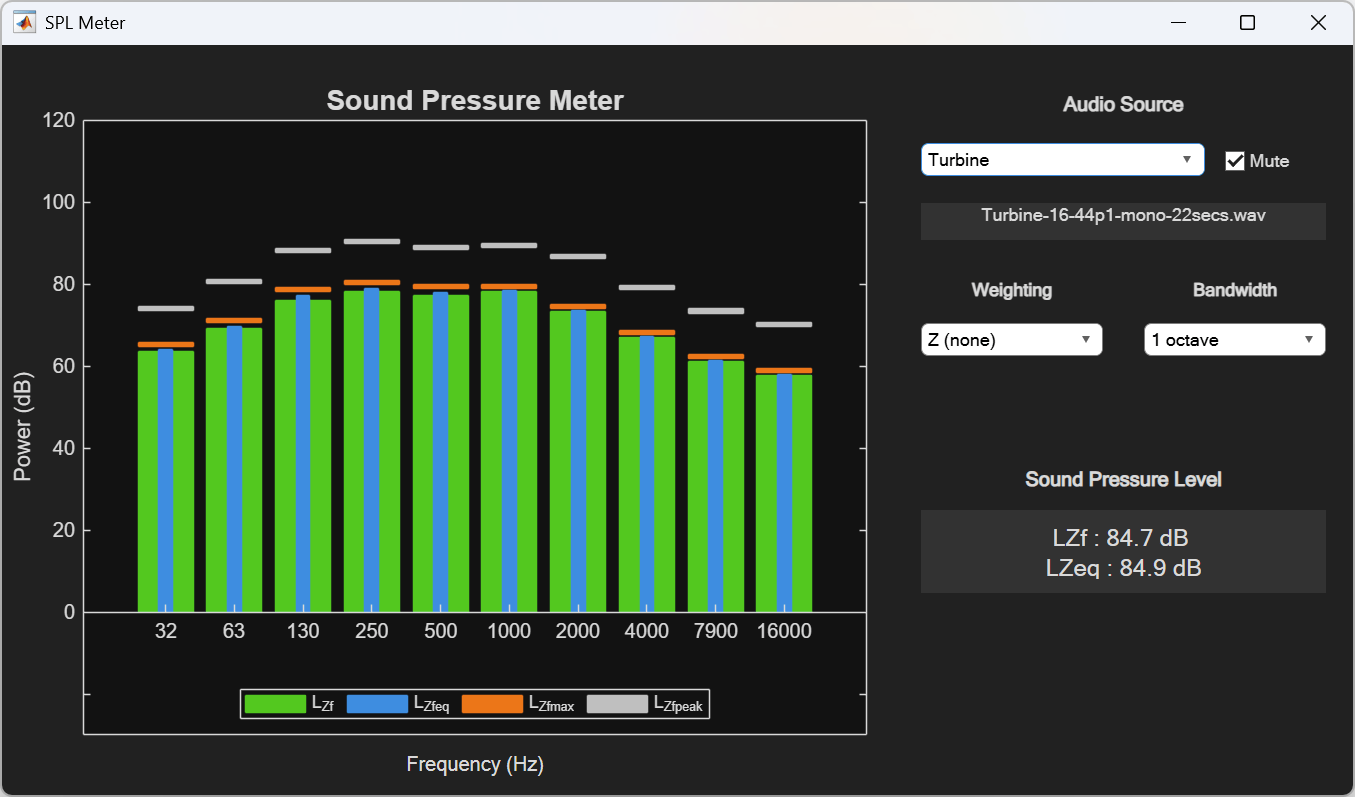
Sound Pressure Measurement of Octave Frequency Bands
Measure sound pressure levels of octave frequency bands using splMeter. An interactive app lets you adjust the frequency weighting, bandwidth, and audio source while viewing live measurements.
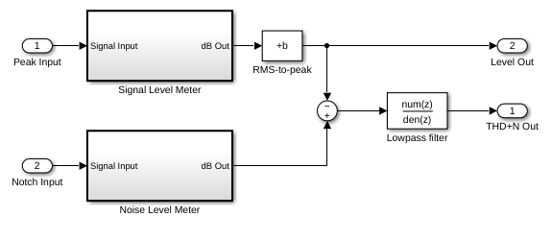
THD+N Measurement with Tone-Tracking
Measure total harmonic distortion and noise level of audio input and output devices.
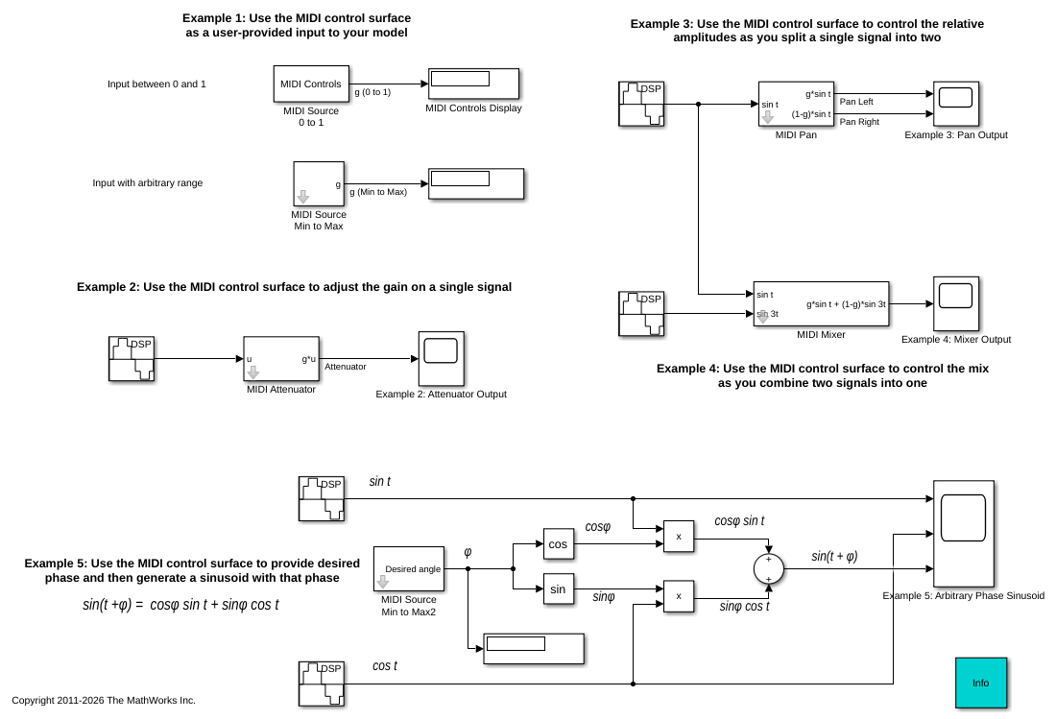
Using a MIDI Control Surface to Interact with a Simulink Model
Use a MIDI control surface as a physical user interface to a Simulink® model, allowing you to use knobs, sliders and buttons to interact with that model. It can be used in Simulink as well as with generated code running on a workstation.
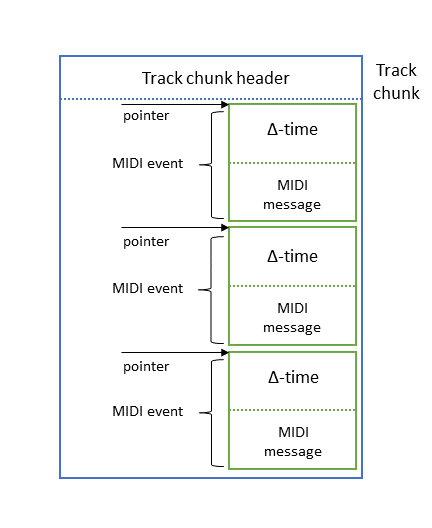
Convert MIDI Files into MIDI Messages
Convert ordinary MIDI files into MIDI message representation using Audio Toolbox™. In this example, you:

