Create Custom Views
R2026bSystem models tend to be large and complex. You can create a custom subset of components from architecture models by filtering model elements based on criteria such as stereotypes, properties, and requirement links in the Architecture Views Gallery. This custom subset is called an architecture view and is a simplified way of working with complex systems. You can use views to focus on certain parts of the architectural design and create operational, functional, or physical views for analysis.
Edit your System Composer™ model from the component diagram canvas.
Analyze component dependencies and hierarchy using spotlight views.
Use queries to define custom viewpoints on the architecture model.
Group ports in component diagram views to simplify complex networks of ports and connections.
Define architecture views and hierarchical views.
Classes
Functions
Tools
| Architecture Views Gallery | Create and manage views and sequence diagrams |
| Interface Editor | Create and author interfaces in local and shared data dictionaries |
Topics
- Create Custom Views Using Architecture Views Gallery
Create and modify views using the Architecture Views Gallery tool.
- Author Architecture Models Through Component Diagram Views
Use component diagram views to author architecture models. (Since R2024b)
- Create Architecture Views Interactively
View structural and functional model hierarchies interactively.
- Create Architecture Views Programmatically
View structural and functional model hierarchies programmatically.
- Create Custom Queries to Filter Architecture Views
You can create custom queries to filter System Composer architecture views using MATLAB classes.
- Display Component Hierarchy and Architecture Hierarchy Using Views
Use hierarchy diagrams to view different aspects of architecture models.
- Create Spotlight Views
View components in the context of the entire architecture.
Featured Examples
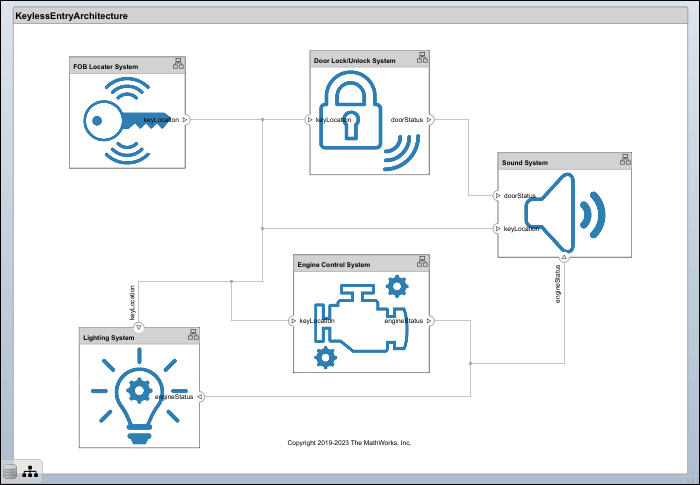
Modeling System Architecture of Keyless Entry System
Use a keyless entry system for a vehicle to create architecture views for different stakeholder concerns.
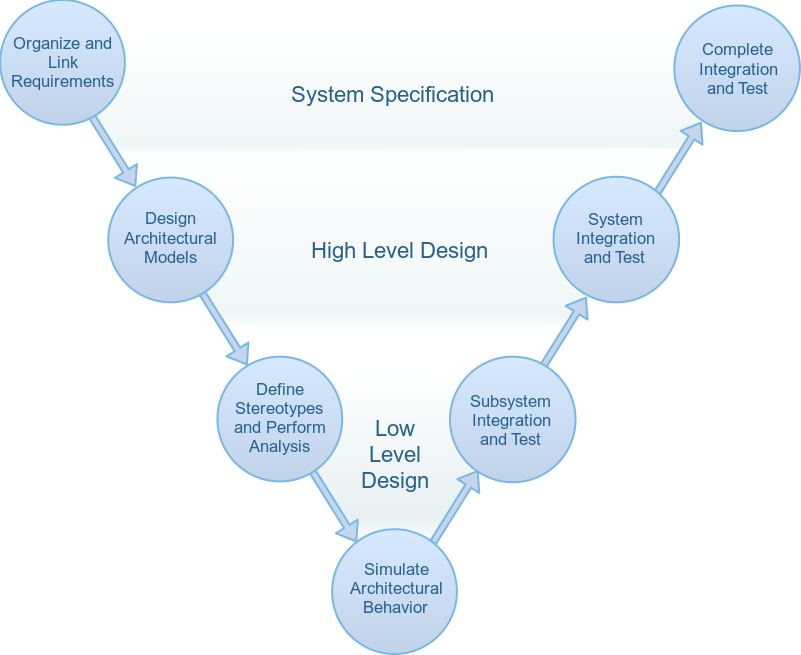
Simulate Mobile Robot with System Composer Workflow
Simulate a mobile robot architecture with a systems engineering workflow.
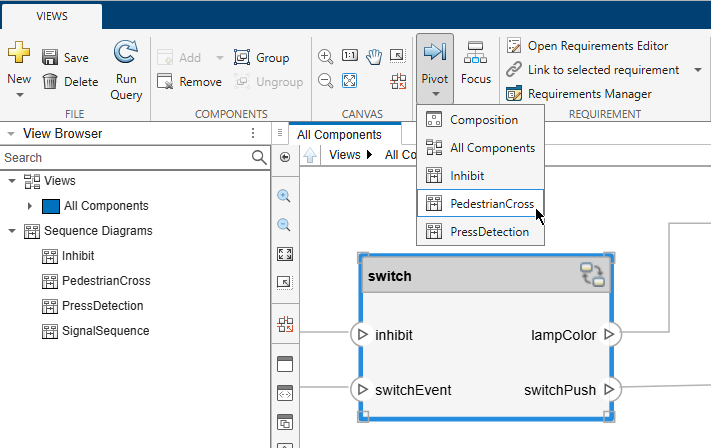
Pivot Between Lifelines and Components in Views Gallery
Pivot between components and lifelines in Views Gallery.
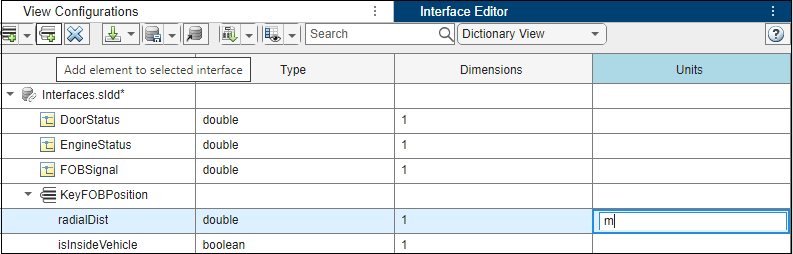
Use Interface Editor in Views
Add and edit interfaces using the Interface Editor tool in the Architecture Views Gallery.
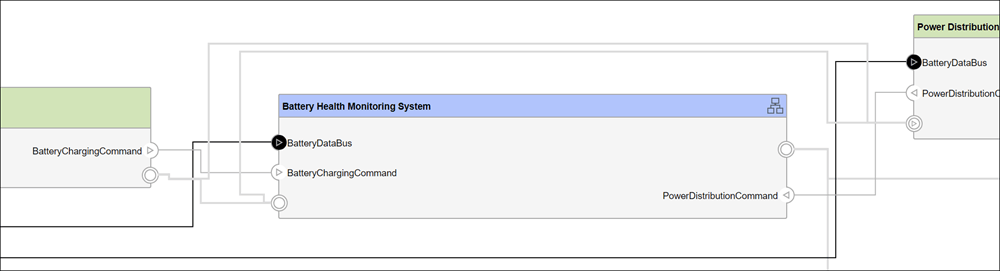
Group Ports in Component Diagram Views
Group ports in component view diagrams.

