Data Stores
R2026bA large model can require individual signals to route to many separate blocks in different locations in the diagram. You can configure a data store to allow access to signal data from anywhere in a model, similar to a global variable in a computer program. However, as with global variables, data stores can reduce model transparency and make model verification more difficult. To decide whether to use a data store, see Data Store Basics.
To route signals across large models, consider using Goto and From blocks instead of data stores.
Blocks
 | Data Store Memory | Define data store |
 | Data Store Read | Read data from data store |
 | Data Store Write | Write data to data store |
Classes
Simulink.SimulationData.DataStoreMemory | Container for data store logging information |
Simulink.SimulationData.BlockPath | Fully specified block path |
Simulink.SimulationData.Dataset | Access logged simulation data or group simulation input data |
Objects
Simulink.DataStore | Specify instance-specific properties of data store (Since R2026b) |
Model Settings
Modeling Guidelines
Topics
- Model Global Data by Creating Data Stores
Explicitly model a separate piece of global memory by creating a data store.
- Log Data Stores
Configure a data store for logging so that you can view the data stored in a simulation run.
- Data Store Basics
A data store is a repository to which you can write data, and from which you can read data, without having to connect an input or output signal directly to the data store.
- Specify Signal Ranges
Specify the minimum and maximum value that a signal can attain during simulation. Fully specify your design and optimize data types and the generated code by specifying the minimum and maximum value that a signal can attain during simulation.
- Create Simulink.DataStore Objects in Model Explorer
Specify
Simulink.DataStoreusing Model Explorer.
Related Information
Featured Examples
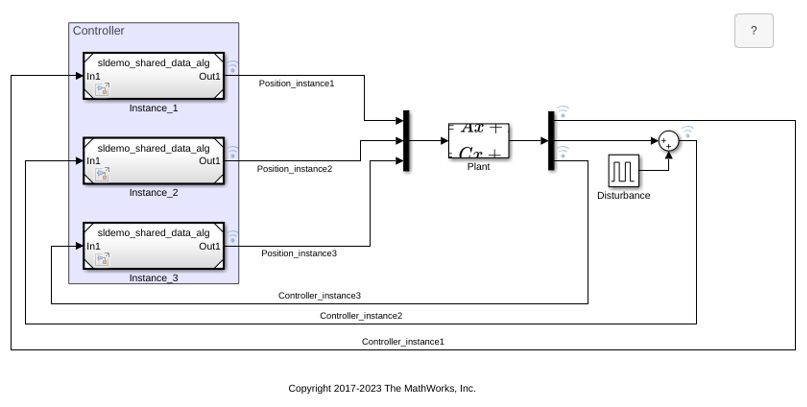
Share Data Among Multiple Instances of a Reusable Algorithm
Use a Data Store Memory block to share data among multiple instances of an algorithm in a model.
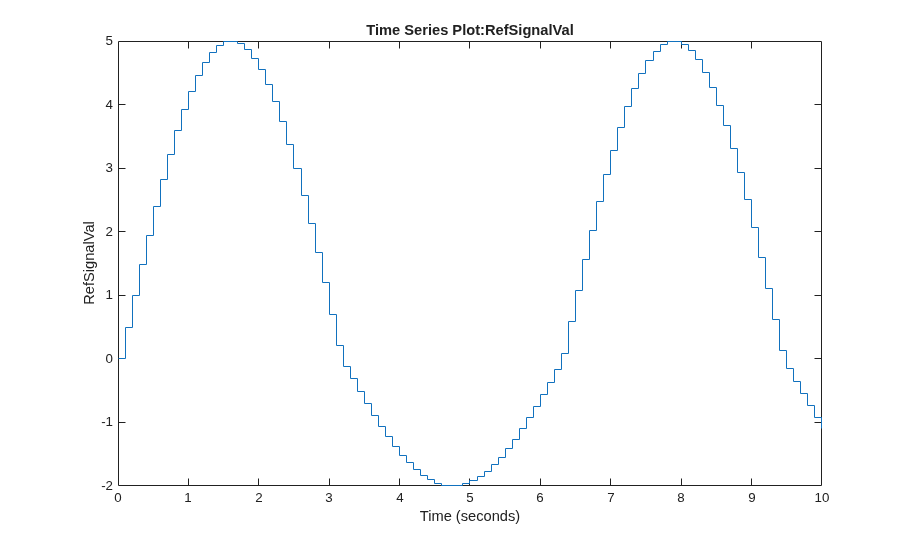
Use Data Stores Across Multiple Models
Model showing how to define, use, and log global data stores to share global data among referenced models.

