HDL Workflow Advisor
R2026bTo deploy the generated code to a target device, use the HDL Workflow Advisor. The Advisor can run end-to-end workflows that check HDL compatibility and deploy the generated code to a target device. For example, see HDL Code Generation and FPGA Synthesis from Simulink Model.
You can use the HDL Coder app to launch the Workflow Advisor and generate HDL code and synthesize your MATLAB® algorithm on the target device. For example, see Generate and Synthesize HDL Code for Symmetric FIR Filter Using the HDL Workflow Advisor.
Functions
hdladvisor | Display HDL Workflow Advisor |
Classes
hdlcoder.WorkflowConfig | Configure HDL code generation and deployment workflows |
hdlcoder.TimingGenerator | Base class to implement custom tool and device support for critical path estimation reporting (Since R2024a) |
Tools
| Workflow Advisor | Generate synthesizable HDL code and test benches from MATLAB code |
Topics
Using Workflow Advisor tool
- Getting Started with the HDL Workflow Advisor
Learn the basics of the HDL Workflow Advisor and how to run various tasks. - HDL Workflow Advisor Tasks
Describes HDL Workflow Advisor tasks. - Workflows in HDL Workflow Advisor
Learn about the HDL Workflow Advisor workflows and the platforms you can target. - Generate Code and Synthesize on FPGA Using HDL Workflow Advisor
The HDL Workflow Advisor guides you through the stages of generating HDL code for a Simulink® subsystem and the FPGA design process, such as:
Using HDL Workflow Script
- Get Started with HDL Workflow Command-Line Interface
Use the HDL Workflow Advisor to run HDL workflows from the command line and the Export to Script option. - Run HDL Workflow with a Script
Export, import, or configure an HDL Workflow CLI command script. - Synthesis Objective to Tcl Command Mapping
Tool-specific Tcl commands that correspond to the HDL Workflow synthesis objectives.
Featured Examples
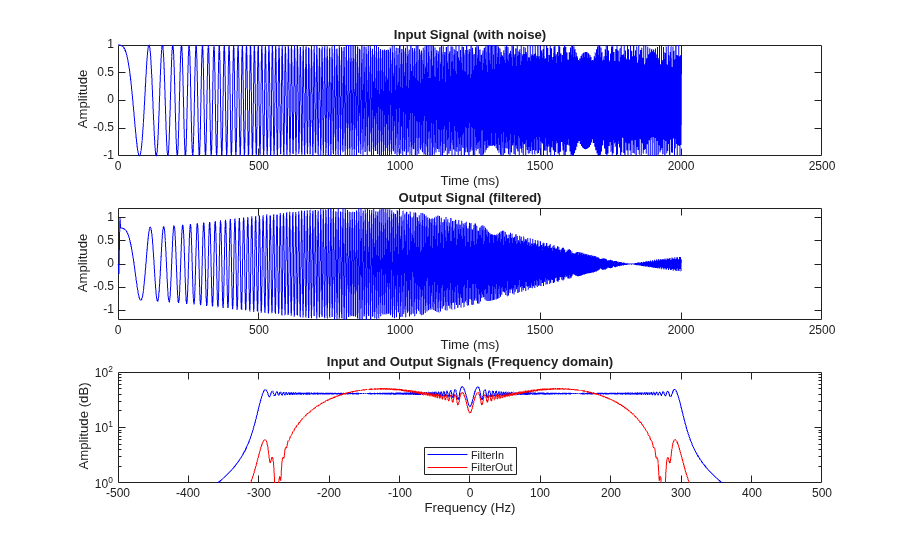
Generate and Synthesize HDL Code for Symmetric FIR Filter Using the HDL Workflow Advisor
Create an HDL Coder™ project and use the MATLAB HDL Workflow Advisor to generate code from a MATLAB® design, verify the MATLAB design with an HDL test bench, and synthesize the generated HDL code. This example uses ModelSim® as the HDL simulation tool and AMD® Vivado® as the third-party synthesis tool. For more information on generating HDL code and performing FPGA synthesis programmatically, see Programmatically Generate, Verify, and Synthesize HDL Code from MATLAB Code.
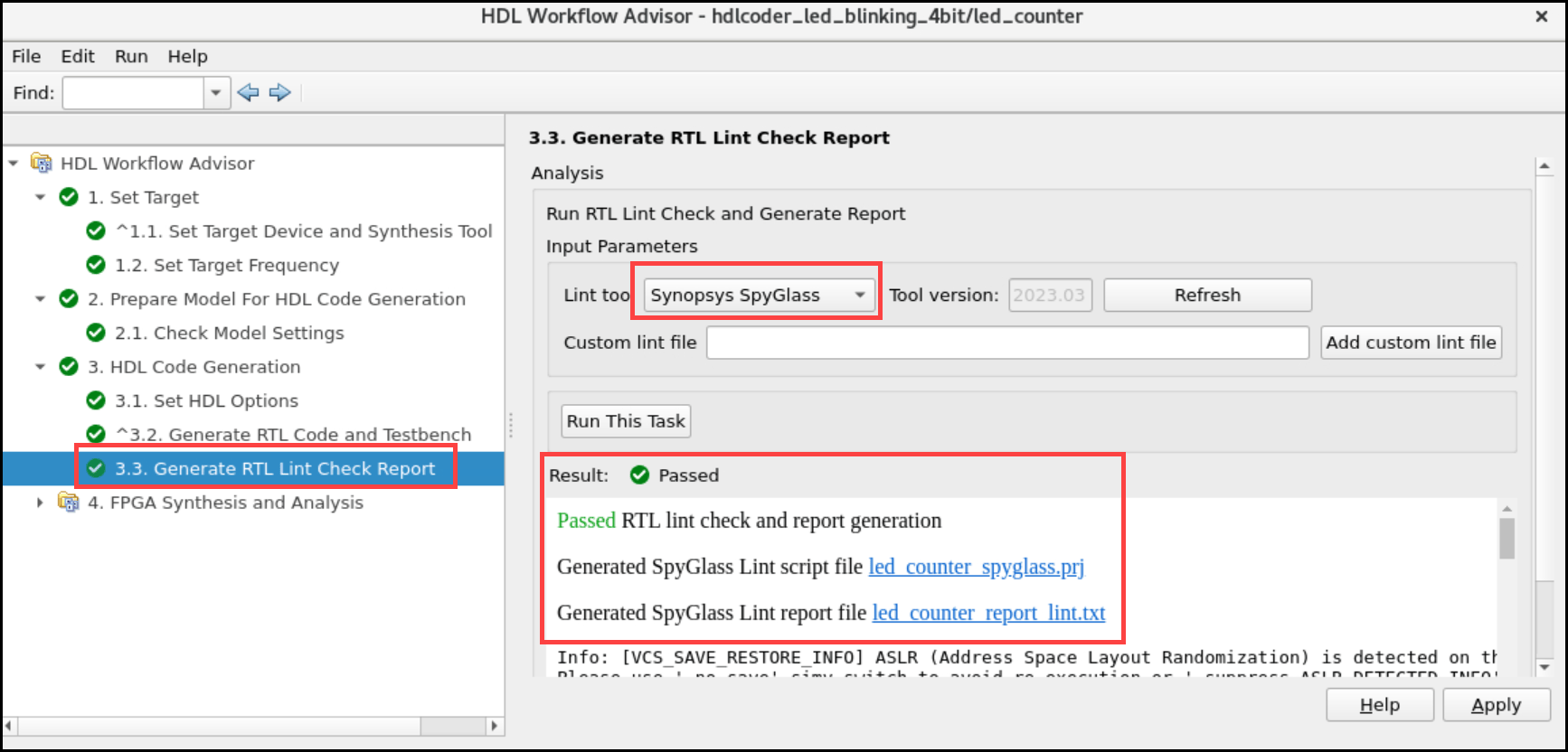
Generate RTL Lint Check Report Using HDL Workflow Advisor and Synopsys SpyGlass Lint Tool
Generate RTL lint check report using HDL Workflow Advisor and SpyGlass Lint tool.
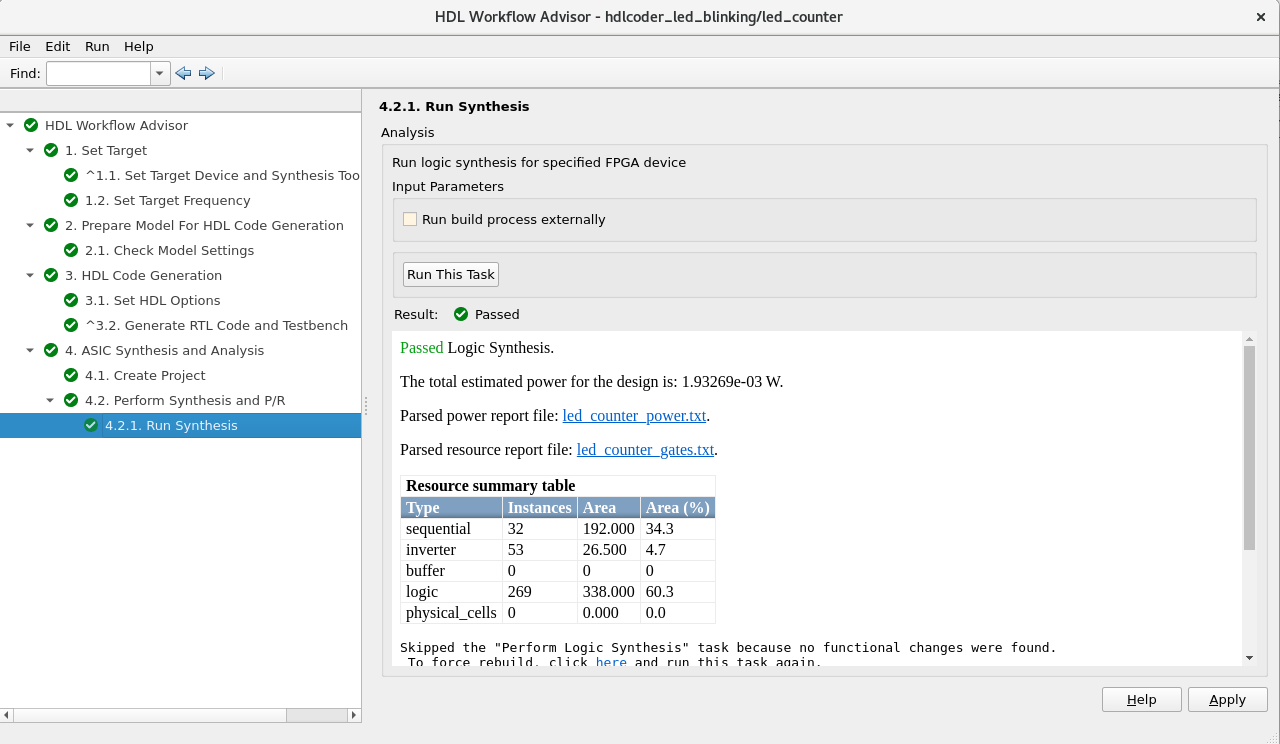
Generate HDL Code and Perform Synthesis Using Cadence Genus on ASIC Devices
Generate HDL code and perform synthesis using HDL Workflow Advisor and Cadence Genus on ASIC devices.
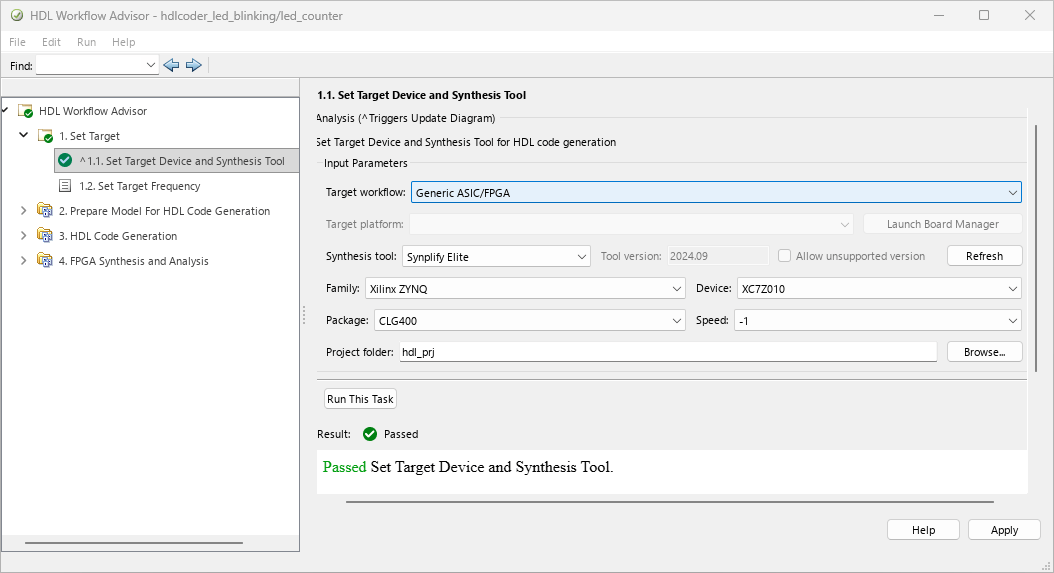
Perform Synthesis and Implementation Using Synplify Elite
Generate HDL code and perform logic synthesis using Synplify® Elite, and place-and-route using AMD® Vivado® in HDL Workflow Advisor.

