Network Video Receive
R2026bReceive video from network RTP or IP camera RTSP stream on NVIDIA Jetson hardware
Network Video Receive block
To add a block to a model, double-click the canvas and start typing the block name. Then, select the block from the list.
Libraries:
NVIDIA Jetson and NVIDIA DRIVE /
Audio and Video
Description
Add-On Required: This feature requires the MATLAB Coder Support Package for NVIDIA Jetson and NVIDIA DRIVE Platforms add-on.
The Network Video Receive block receives video from a network RTP or an IP camera RTSP stream. When you run a Simulink® model that contains this block on NVIDIA® Jetson™ hardware, the block outputs video from the network or IP camera.
Examples
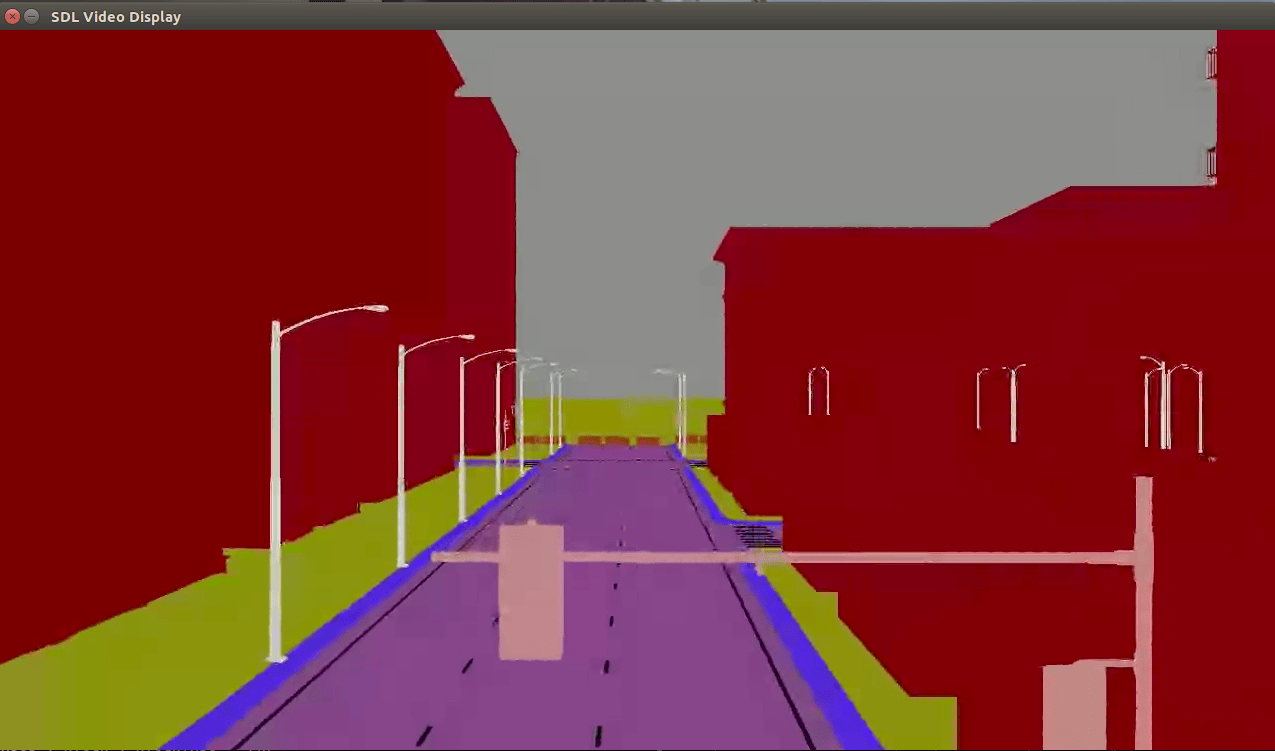
Stream Camera, Depth and Semantic Segmentation Data from Unreal Engine to NVIDIA Jetson
Stream simulated camera, depth, and semantic segmentation label data from an Unreal Engine® scene to NVIDIA® Jetson™ with Simulink®.
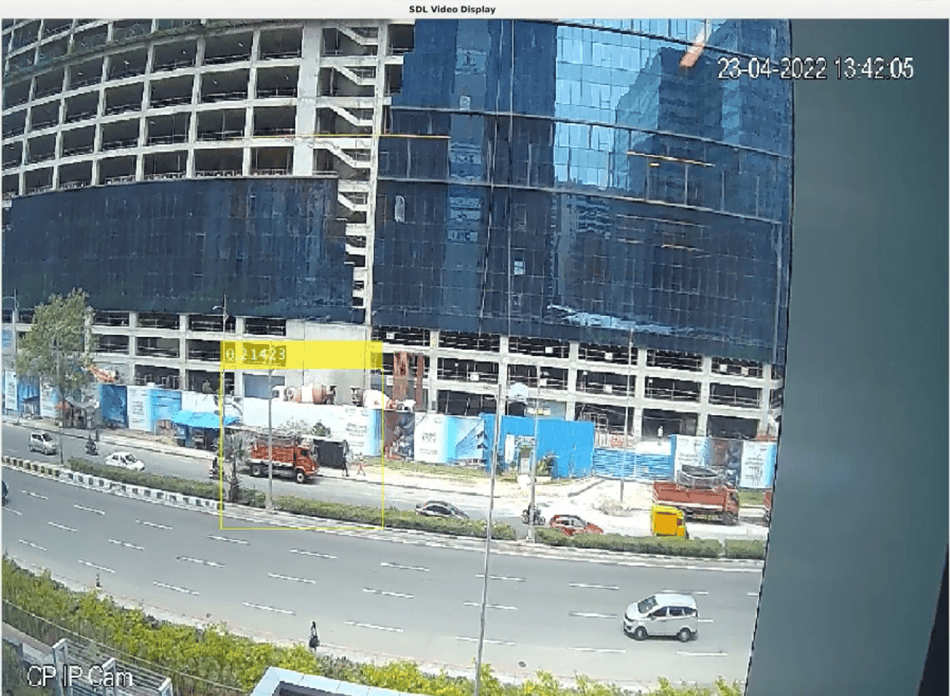
Deep Learning Vehicle Detector from IP Camera Stream on Jetson
Develop a CUDA® application from a Simulink® model that performs vehicle detection using convolutional neural networks (CNN). This example takes the IP camera stream as an input and detects vehicles in the frame. This example uses the pretrained vehicle detection network from the Object Detection Using YOLO v2 Deep Learning example of the Computer Vision Toolbox™. For more information, see Object Detection Using YOLO v2 Deep Learning (Computer Vision Toolbox).
Ports
Output
Image signal, returned as a matrix.
Dependencies
To enable this port, follow one of these actions:
Set the Format parameter to
RGBand set the Image signal parameter toOne multidimensional signal.Set the Format parameter to
Grayscale.
Data Types: uint8 | uint16
Red component of the output video stream, returned as a matrix.
Dependencies
To enable this port, set the Format parameter to RGB and set the Image signal parameter to Separate color signal.
Data Types: uint8
Green component of the output video stream, returned as a matrix.
Dependencies
To enable this port, set the Format parameter to RGB and set the Image signal parameter to Separate color signal.
Data Types: uint8
Blue component of the output video stream, returned as a matrix.
Dependencies
To enable this port, set the Format parameter to RGB and set the Image signal parameter to Separate color signal.
Data Types: uint8
Parameters
Video Parameters
Source of the video stream.
Programmatic Use
To set the block parameter value programmatically, use
the set_param (Simulink) function.
To get the block parameter value
programmatically, use the get_param (Simulink) function.
| Parameter: | VideoSource |
| Values: | "Network stream" (default) | "Network device" |
Example: set_param(gcb,VideoSource="Network
device")
Resolution of the image to be captured, in pixels. Specify the resolution as a
two-element vector in the format [width, height].
Programmatic Use
To set the block parameter value programmatically, use
the set_param (Simulink) function.
To get the block parameter value
programmatically, use the get_param (Simulink) function.
| Parameter: | ImageSize |
| Values: | "[320, 240]" (default) | two-element vector in quotes |
Example: set_param(gcb,ImageSize="[640 480]")
Format of the video stream. The format options depend on the value of the Video source parameter. This table shows the available formats:
| Network stream | Network device | |
|---|---|---|
Available stream formats | "Grayscale (16-bit)" (Default) | "Grayscale" |
"Grayscale" | "RGB" (Default) | |
"RGB" | - | |
Block parameter name | "ImageFormat" | "DeviceImageFormat" |
Programmatic Use
To set the block parameter value programmatically, use
the set_param (Simulink) function.
To get the block parameter value
programmatically, use the get_param (Simulink) function.
| Parameter: | ImageFormat |
| Values: | "Grayscale (16-bit)" (default) | "Grayscale" | "RGB" |
Example: set_param(gcb,ImageFormat="Grayscale")
| Parameter: | DeviceImageFormat |
| Values: | "RGB" (default) | "Grayscale" |
Example: set_param(gcb,DeviceImageFormat="Grayscale")
Format of the output of the RGB video signal. If you set this parameter to
One multidimensional signal, the block outputs an
M-by-N-by-P color video
signal, where P is the number of color planes, at the
Image port. If you select Separate color
signal, the R, G, and
B ports output each color signal. Each port outputs one
M-by-N plane of an RGB video stream.
Dependencies
To enable this parameter, set Format to
RGB.
Programmatic Use
To set the block parameter value programmatically, use
the set_param (Simulink) function.
To get the block parameter value
programmatically, use the get_param (Simulink) function.
| Parameter: | ImageSignal |
| Values: | "One multidimensional signal" (default) | "Separate color signal" |
Example: set_param(gcb,ImageSignal="Separate color
signal")
Type of compression algorithm to use to decode the RTP video stream. The compression options depend on the value of the Video source parameter.
| Network stream | Network device | |
|---|---|---|
Available compression algorithms | "JPEG" (Default) | "H264" (Default) |
"VP8" | "H265"
| |
"VP9" | - | |
"H264" | - | |
"H265" | - | |
"None (uncompressed)" | - | |
Block parameter name | "Decoder" | "VideoDeviceDecoder" |
Note
If you set the Compression parameter to
H265, you must start the receiver before the sender
starts the video stream. The sender sends metadata required to decode the data at the
start of the stream. Alternatively, you can configure the sender to insert this
metadata at intervals during the stream. For example, enter this
command:
gst-launch-1.0 -v videotestsrc is-live=true ! video/x-raw, framerate=100/1,width=320,height=240 ! videoconvert ! x265enc tune=zerolatency ! h265parse config-interval=2 ! rtph265pay ! udpsink host=127.0.0.1 port=3000
Programmatic Use
To set the block parameter value programmatically, use
the set_param (Simulink) function.
To get the block parameter value
programmatically, use the get_param (Simulink) function.
| Parameter: | Decoder |
| Values: | "JPEG" (default) | "VP8" | "VP9" | "H264" | "H265" | "None (uncompressed)" |
Example: set_param(gcb,Decoder="H265")
| Parameter: | VideoDeviceDecoder |
| Values: | "H264" (default) | "H265" |
Example: set_param(gcb,VideoDeviceDecoder="H265")
Select this parameter to use the graphics hardware on the NVIDIA target for decoding.
Note
If you enable this parameter and set the Format parameter to
a value other than RGB, the generated application generates
an error.
When you enable hardware acceleration, the block scales the received image:
If the resolution for the sender and receiver differ, the hardware accelerator scales the received image. If you disable hardware acceleration, the image resolution specification at the sender and receiver must be the same.
If the video frame size is not a multiple of 16, the hardware accelerator libraries pads the borders of the received video frame to output the requested size.
Programmatic Use
To set the block parameter value programmatically, use
the set_param (Simulink) function.
To get the block parameter value
programmatically, use the get_param (Simulink) function.
| Parameter: | UseHWAcceleration |
| Values: | "on" (default) | "off" |
Example: get_param(gcb,"UseHWAcceleration")
Connection Parameters
Port number from which to receive the video packets. Set the port number to the remote port number of the host machine that sends the video.
Dependencies
To enable this parameter, set Video source to
Network stream.
Programmatic Use
To set the block parameter value programmatically, use
the set_param (Simulink) function.
To get the block parameter value
programmatically, use the get_param (Simulink) function.
| Parameter: | Port |
| Values: | "3000" (default) | numeric scalar in quotes |
Example: set_param(gcb,Port="3000")
RTSP URL of the IP camera.
Dependencies
To enable this parameter, set Video source to
Network device.
Programmatic Use
To set the block parameter value programmatically, use
the set_param (Simulink) function.
To get the block parameter value
programmatically, use the get_param (Simulink) function.
| Parameter: | URI |
| Values: | "rtsp://" (default) | string | character vector |
Example: get_param(gcb,"URI")
Sample time, in seconds, at which the block reads the video from the network. The value determines the frequency at which the block captures new images.
Smaller values require the processor to complete the same number of instructions in less time, which can cause task overruns.
Programmatic Use
To set the block parameter value programmatically, use
the set_param (Simulink) function.
To get the block parameter value
programmatically, use the get_param (Simulink) function.
| Parameter: | SampleTime |
| Values: | "0.1" (default) | numeric scalar in quotes | numeric vector in quotes |
Example: set_param(gcb,SampleTime="0.2")
Version History
Introduced in R2021b
See Also
Blocks
MATLAB Command
You clicked a link that corresponds to this MATLAB command:
Run the command by entering it in the MATLAB Command Window. Web browsers do not support MATLAB commands.
Select a Web Site
Choose a web site to get translated content where available and see local events and offers. Based on your location, we recommend that you select: .
You can also select a web site from the following list
How to Get Best Site Performance
Select the China site (in Chinese or English) for best site performance. Other MathWorks country sites are not optimized for visits from your location.
Americas
- América Latina (Español)
- Canada (English)
- United States (English)
Europe
- Belgium (English)
- Denmark (English)
- Deutschland (Deutsch)
- España (Español)
- Finland (English)
- France (Français)
- Ireland (English)
- Italia (Italiano)
- Luxembourg (English)
- Netherlands (English)
- Norway (English)
- Österreich (Deutsch)
- Portugal (English)
- Sweden (English)
- Switzerland
- United Kingdom (English)

